How to export your Letterboxd data
Follow these steps to get your diary.csv file
- 1
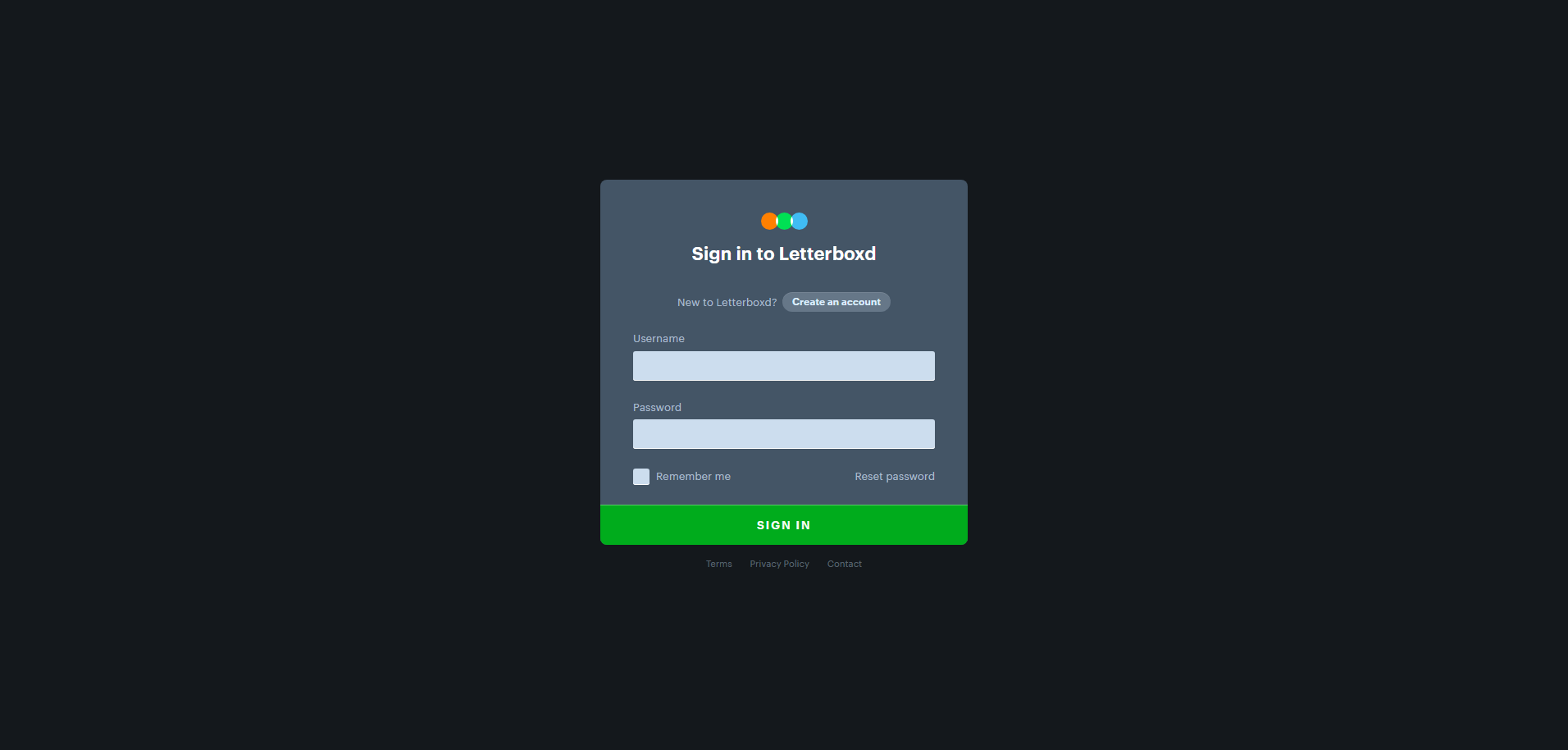
Sign in to Letterboxd
Head to letterboxd.com and sign in to your account.
- 2
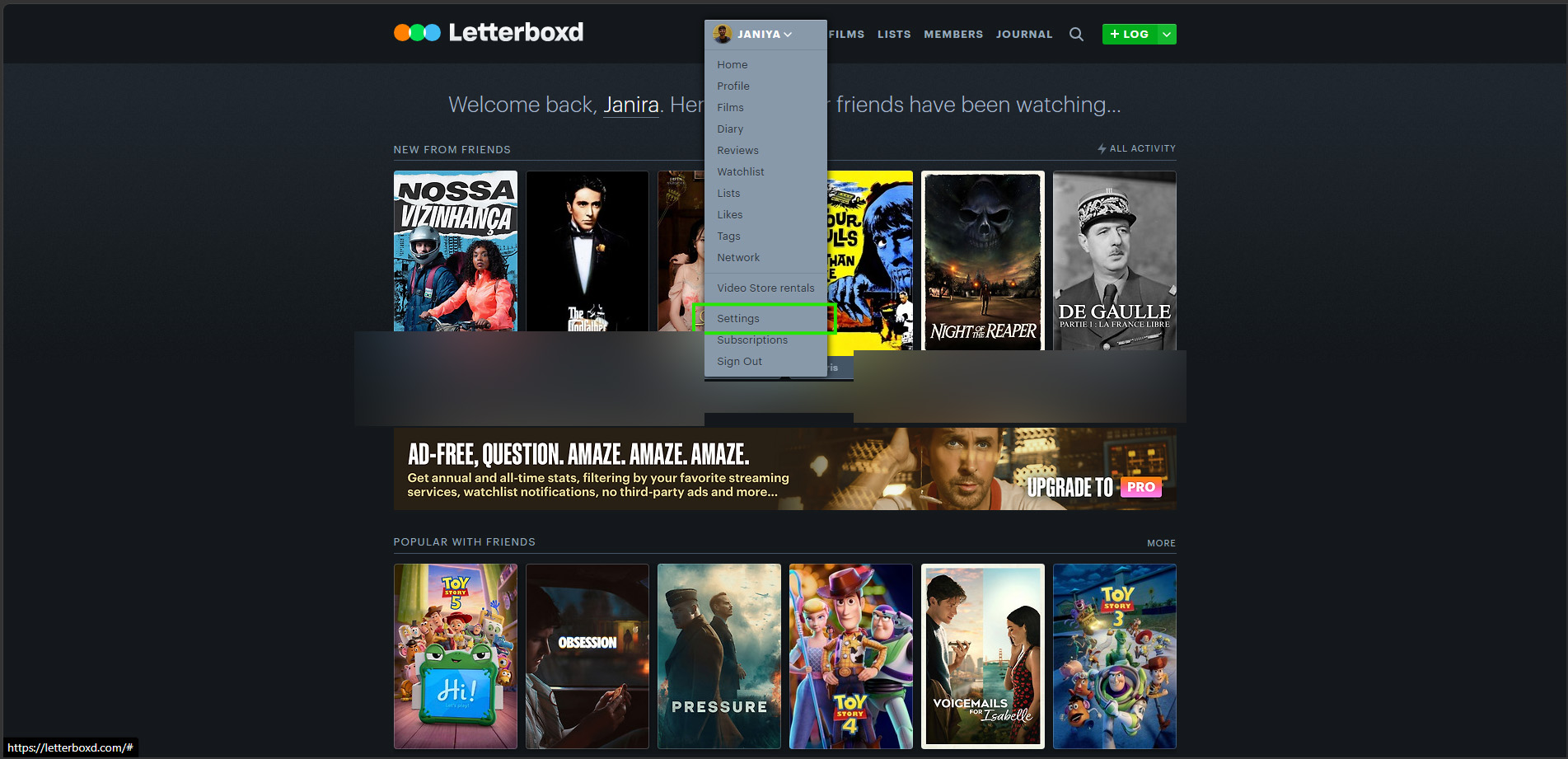
Open your Settings
Click your avatar in the top-right corner and choose Settings — this opens your Account settings.
- 3
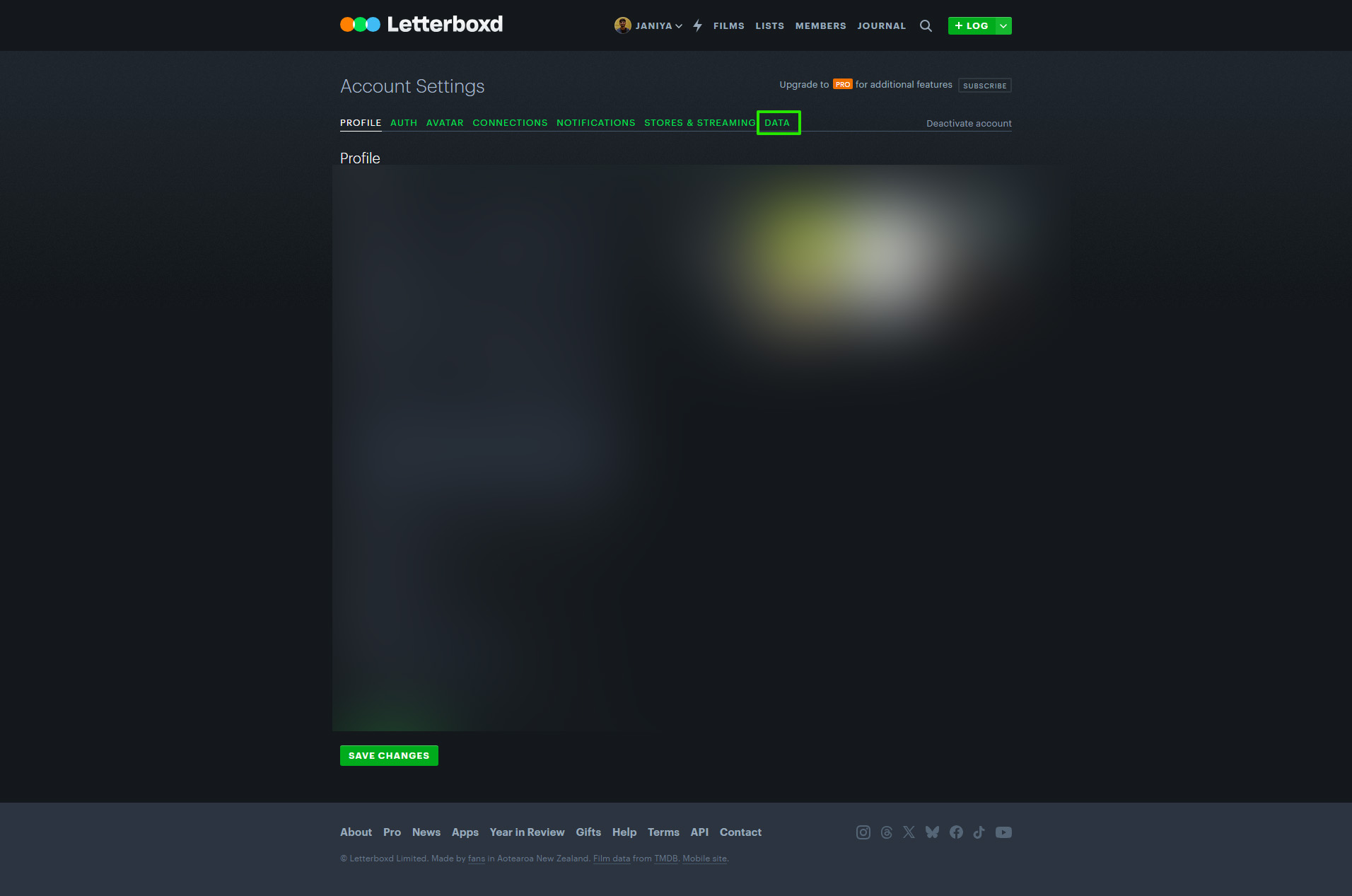
Go to the Data tab
In the settings tabs, open the Data tab.
- 4
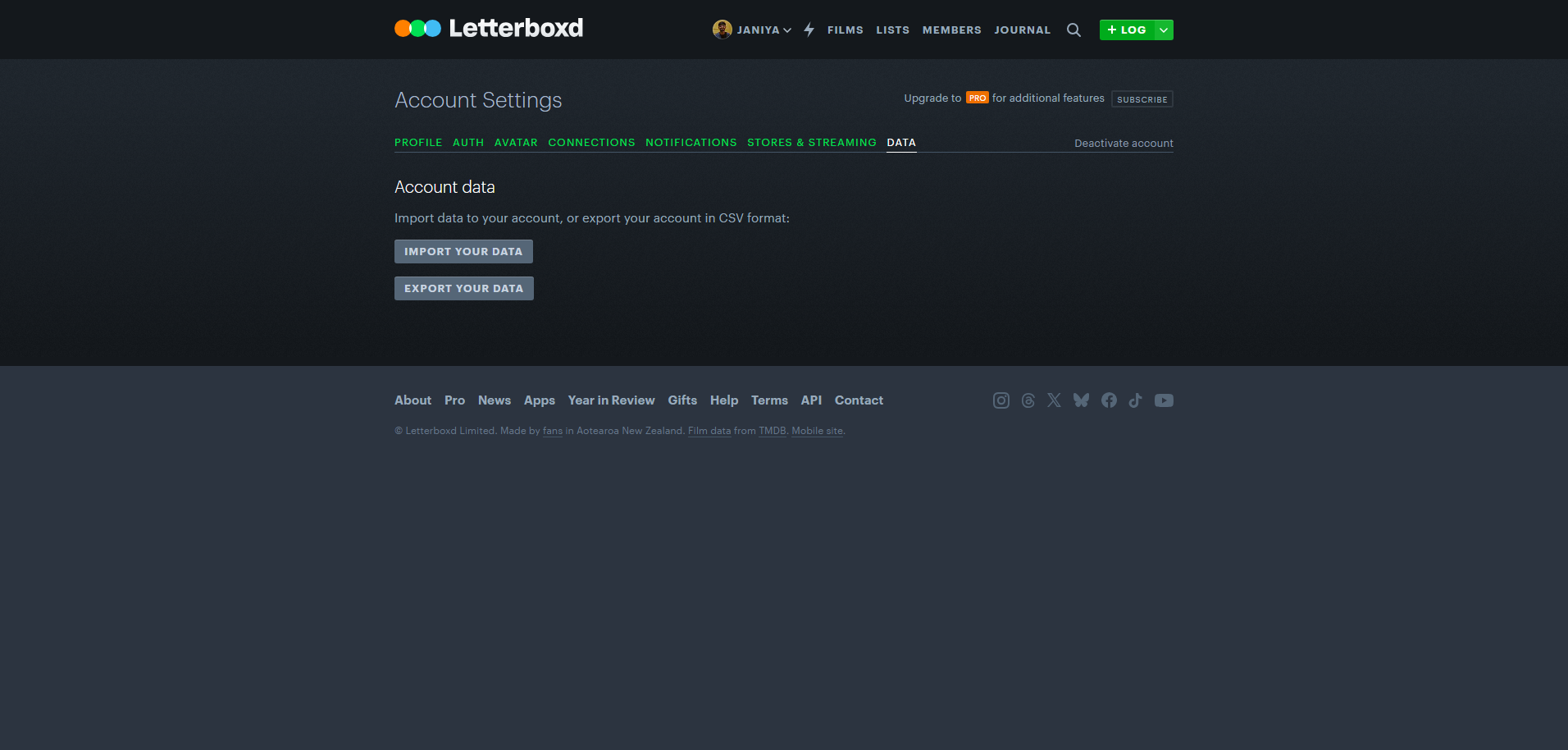
Export your data
Click “Export your data”.
- 5
Save the .zip file
Your data downloads straight away as a .zip file — no email needed.
- 6
Extract the .zip file
Unzip the downloaded file. You’ll find several CSV files inside.
- 7
Upload diary.csv to boxdcover.cc
Find the file named diary.csv in the extracted folder and upload it on the home page.